
Check-in & attendance
Reception scans the Access Key and the check-in is done: the session is counted, the class is updated and the report is ready.
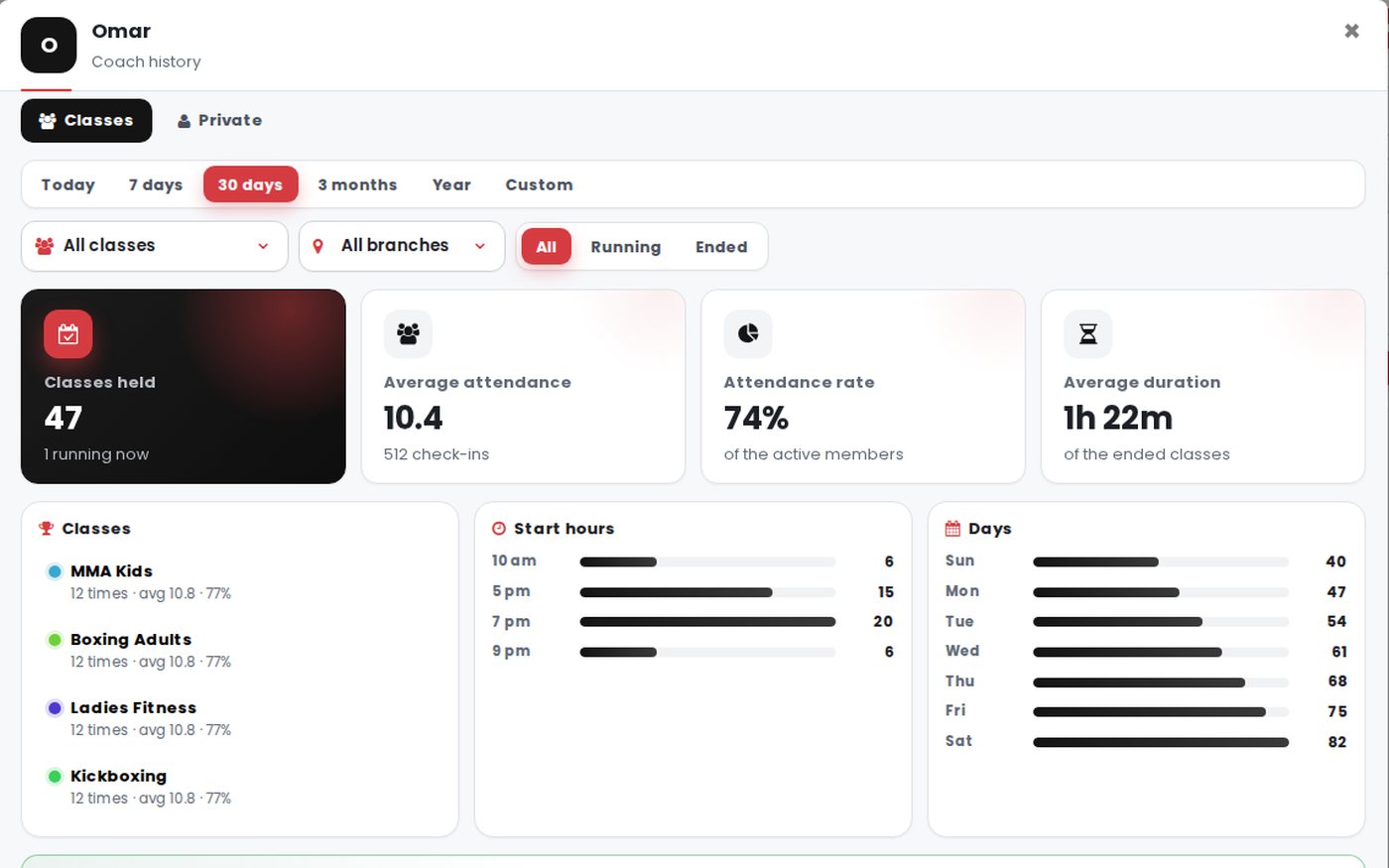
What you get
One scan check-in
No typing, no mistakes — the Access Key knows the member and the active subscription.
Sessions counted
Remaining sessions update with every check-in.
Peak hours
Know your busiest hours and days to plan staff and classes.
Daily, monthly, yearly
Ready reports for attendance and income for any day or month.
The right subscription
A member with a gym membership and a class? Reception picks with one tap, and the best match is already marked.
Check-in from the reception phone
No extra devices or scanners. The receptionist signs in to GymSofto once on the reception phone or tablet, then scans the member's Access Key with the camera or taps it by NFC — the Access Key page opens and the check-in is recorded.
- One check-in a dayScanning the same key again that day doesn't count a second visit.
- Everything on one screenSessions left, end date, coach, class and any remaining amount.
- Ended or frozen plansAn ended plan opens the renewal page, and a frozen member is not checked in.
- Per branchA user tied to a branch checks in that branch's members only.
Works together with
See GymSofto running for real
Open the live demo in one click, or talk to us and we set up your place with you.